
How to Check BISP Payment by CNIC Number – 8171 Online
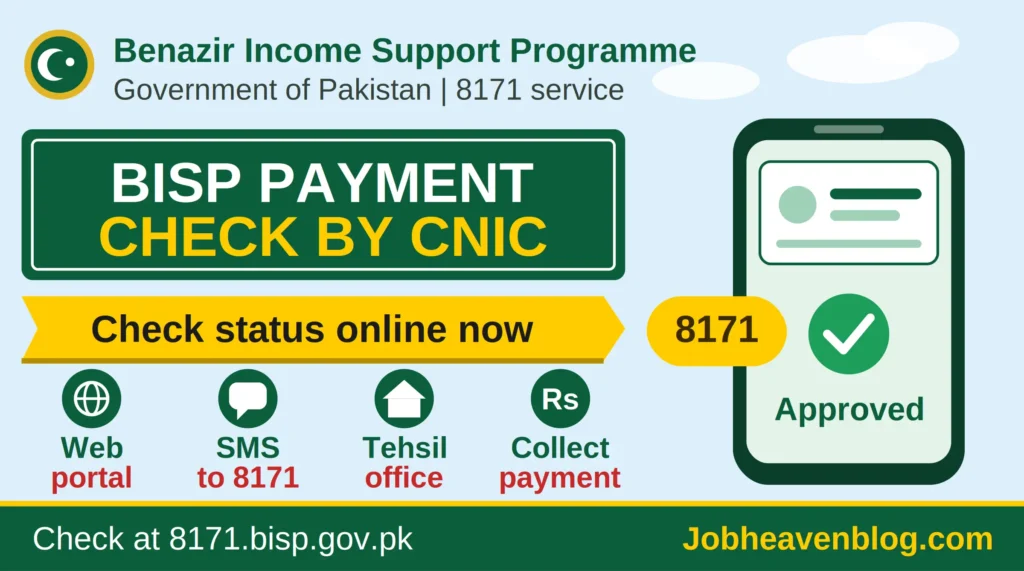
Millions of families in Pakistan depend on the Benazir Income Support Programme (BISP) for regular financial help. If you are one of them, you probably want to know whether your payment is ready, where to collect it, and whether your name is on the list. The good news is that you no longer need to stand in long queues just to find out. You can check your BISP payment by CNIC number online in a few minutes, from your phone, using the 8171 service.
This guide explains every method in simple language, so even a first time user can follow it without any trouble.
What Is BISP and Why Is the 8171 Service Important?
The Benazir Income Support Programme is a federal social safety net run by the Government of Pakistan. It supports low income families, especially women, through quarterly cash assistance under programs such as Benazir Kafaalat, along with other schemes like Benazir Nashonuma for mother and child nutrition and Benazir Taleemi Wazaif for education support.
The 8171 helpline and web portal is the official way for citizens to check eligibility, registration status, and payment details. Before 8171 existed, people often travelled to local offices and relied on middlemen, which led to confusion and sometimes fraud. Now all you need is your 13 digit CNIC number and a phone.
What You Need Before You Start
Keep these things ready:
- Your original 13 digit CNIC number (without spaces or dashes)
- A mobile phone with an active SIM
- Internet access (for the web portal method)
- Your phone number registered with BISP, if you have already applied
Method 1: Check BISP Payment Status Through the 8171 Web Portal
This is the most popular method because it is free and available all day.
Check BISP Payment Status
- Open your mobile browser and visit the official portal: 8171 Web Portal.
- Enter your 13 digit CNIC number in the given box.
- Type the captcha code shown on the screen.
- Tap the Check or Submit button.
- Your result will appear on the screen.
Depending on your case, you will see your eligibility status, your registration details, and information about your payment, such as whether it has been approved and the next steps for collection.
Tip: If the page does not open, do not panic. The portal can get very busy when payments are announced. Wait a little and try again, preferably early in the morning or late at night.
Method 2: Check BISP Payment by SMS on 8171
If you do not have internet access, SMS is the easiest option.
- Open the message section on your phone.
- Type your 13 digit CNIC number only, with no spaces and no extra words.
- Send it to 8171.
- Wait for the reply message.
You will receive a message telling you whether you are eligible or not, and if a payment is ready, you will get details about the next step. Standard SMS charges may apply depending on your mobile network, so confirm this with your operator.
Method 3: Use the Official BISP Website
You can also visit the main website at BISP Official Website for announcements, program details, and updates about payment schedules. This is also the best place to read official notices about new rules, eligibility changes, and payment dates.
Method 4: Visit a BISP Tehsil Office or Registered Retailer
If you prefer in person help, you can go to your nearest BISP Tehsil Office. Carry your original CNIC and your registered mobile number. Staff can verify your status and guide you about payment collection, but you should never pay anyone for this service. Official help is free.
How to Collect Your BISP Payment
Once your payment is approved, you will usually be informed by SMS about the collection point. Payments are commonly distributed through:
- Authorized BISP retailers and biometric payment points
- Designated bank branches
- Special payment camps in some areas
When you go to collect your money, remember these points:
- Carry your original CNIC.
- Use the same mobile number that is registered with BISP.
- Complete the biometric verification (fingerprint) at the payment point.
- Collect only the official amount and ask for the receipt or confirmation message.
The payment amount can change from time to time, so always rely on official announcements rather than rumors on social media.
Who Is Eligible for BISP Payments?
Eligibility is decided using the National Socio Economic Registry (NSER) survey, which scores households based on their economic condition. In general, the program targets families with low income and limited assets. If your household has not been surveyed yet, you may need to register through the official process or visit the nearest registration center.
What If Your Status Shows “Not Eligible”?
Seeing this message can be disappointing, but there are a few things you can do:
- Double check that you entered the correct CNIC number.
- Confirm that your household data in the NSER survey is updated.
- Visit the nearest BISP office to request a fresh survey or review.
- Make sure your CNIC is valid and not expired, since an expired card can create problems. You can check card renewal details on the NADRA website.
Eligibility can change after a new survey, so it is worth checking again in the future.
Common Problems and Easy Solutions
Problem: No reply from 8171.
Solution: Check your balance and signal, then try again after some time.
Problem: The website says “Record Not Found.”
Solution: Verify your CNIC number. If it is correct, your household may not have been surveyed yet.
Problem: The money has not arrived even though the status shows approved.
Solution: Wait for the official SMS about the collection point, or visit your local BISP office for guidance.
Problem: Fingerprint is not matching.
Solution: Clean your fingers, try again, and if the issue continues, visit the nearest NADRA office to update your biometrics.
Important Safety Tips: Avoid Fraud
Unfortunately, scammers often target BISP beneficiaries. Stay safe by following these rules:
- Never share your CNIC photo, PIN, or OTP with unknown callers.
- BISP will never ask you to pay money to receive your installment.
- Ignore fake messages that promise extra amounts or ask you to click suspicious links.
- Use only the official number 8171 and the official websites mentioned above.
- Report suspicious activity to the nearest BISP office.
Frequently Asked Questions (FAQs)
1. How can I check my BISP payment by CNIC?
Visit the 8171 web portal, enter your 13 digit CNIC and captcha, then submit. You can also send your CNIC to 8171 by SMS.
2. Is the 8171 service free?
The web portal is free to use. SMS charges, if any, depend on your mobile network.
3. Can I check the status of someone else’s CNIC?
Technically the portal accepts any valid CNIC, but you should only check the status of family members with their permission.
4. How often are BISP payments released?
Benazir Kafaalat payments are generally released on a quarterly basis, though dates can change. Follow official announcements for exact schedules.
5. What should I do if I lost my SIM or changed my number?
Visit the nearest BISP office with your original CNIC to update your contact details.
6. How can I check BISP new registration status?
Use the same 8171 portal or send your CNIC to 8171 by SMS. Your registration and eligibility details will be shown.
7. Does BISP help only women?
The main cash assistance is given to women heads of the household, because the program focuses on women empowerment.
Final Words
Checking your BISP payment by CNIC number through 8171 is quick, free, and simple. Whether you use the web portal, SMS, or visit a local office, always keep your CNIC safe, rely only on official sources, and never pay anyone for help. Bookmark the official portal, share this guide with family and neighbors who may need it, and stay updated with the latest announcements from the Benazir Income Support Programme.
If you found this article helpful, please share it so more people can benefit from it.